General
How to Download Instagram Videos to MP4 in 2026 – Complete Step-by-Step Guide

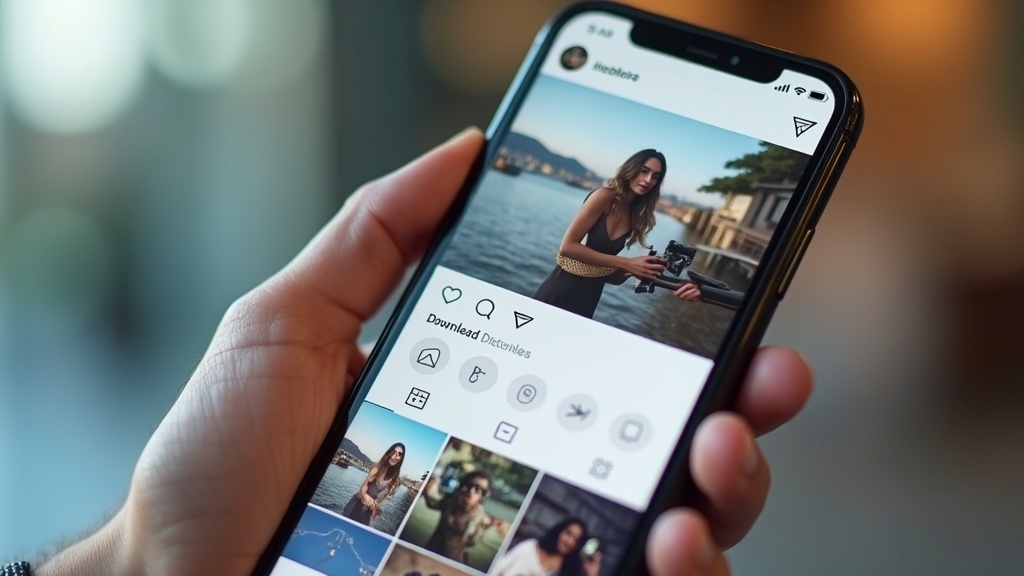
Want to save that amazing Instagram video you just discovered but don’t know how to download it? Whether it’s a hilarious meme, inspiring content from your favorite creator, or precious memories from friends and family, downloading Instagram videos to MP4 format has become an essential skill for social media enthusiasts in 2026.
Instagram’s built-in save feature only bookmarks content within the app, but what if you want to share videos across different platforms, create offline collections, or preserve content that might be deleted later? Learning how to download Instagram videos to MP4 gives you complete control over your favorite content, allowing you to access it anytime, anywhere, without internet connectivity.
This comprehensive guide will walk you through multiple proven methods to download Instagram videos to MP4 format safely and legally. From browser-based tools to mobile solutions, we’ll cover everything you need to know to start building your personal video collection today.
Why Download Instagram Videos to MP4 Format
MP4 has emerged as the universal video format of choice for good reason. When you download Instagram videos to MP4, you ensure maximum compatibility across all devices, platforms, and applications. Unlike Instagram’s native format restrictions, MP4 files play seamlessly on smartphones, tablets, computers, smart TVs, and virtually any media player.
Universal Compatibility and Quality Benefits
MP4 format offers the perfect balance between file size and video quality, making it ideal for storing and sharing Instagram content. The format uses advanced compression algorithms that maintain visual clarity while keeping file sizes manageable for storage and sharing purposes.
Most importantly, MP4 files retain their quality when transferred between devices or uploaded to different platforms. Whether you’re sharing on WhatsApp, uploading to YouTube, or creating presentations, MP4 ensures your downloaded Instagram videos maintain their original visual appeal.
The format also supports various resolutions and bitrates, allowing you to choose the quality level that best suits your storage capacity and intended use. From high-definition downloads for archival purposes to compressed versions for quick sharing, MP4 accommodates all scenarios.
Legal Considerations and Best Practices
Before diving into download methods, it’s crucial to understand the legal landscape surrounding content downloading. Instagram’s terms of service generally prohibit downloading content without permission, but there are legitimate use cases that fall within fair use guidelines.
Always respect copyright laws and creator rights when downloading Instagram videos. Personal use, educational purposes, and saving your own content are generally acceptable practices. However, redistributing downloaded content commercially or claiming ownership of someone else’s work violates copyright laws.
Consider reaching out to content creators for permission when downloading their videos, especially if you plan to share or repurpose the content. Many creators appreciate the engagement and may grant permission readily when approached respectfully.
Browser-Based Instagram Video Download Methods
Browser-based tools offer the most convenient way to download Instagram videos to MP4 without installing additional software. These web-based solutions work across all operating systems and require only a web browser and internet connection.
Using Online Video Downloader Services
Several reputable online services specialize in Instagram video downloads. SaveClip and Save-Free are popular options that offer straightforward downloading processes with minimal steps involved.
To use these services, simply copy the Instagram video URL from your browser or app, paste it into the downloader’s input field, and select MP4 as your preferred format. Most tools automatically detect video quality options and allow you to choose between different resolutions based on your needs.
The process typically takes less than a minute for standard videos, though longer content may require additional processing time. These platforms often support batch downloads, enabling you to queue multiple videos for conversion simultaneously.
Step-by-Step Browser Download Process
The browser download process follows a consistent pattern across most platforms. First, navigate to the Instagram post containing your desired video using a desktop browser. Right-click on the video and select “Copy video address” or similar option depending on your browser.
Open your chosen download service in a new tab and paste the copied URL into the provided input field. Select MP4 as your output format and choose your preferred quality setting. Click the download or convert button and wait for the processing to complete.
Once processing finishes, the service will provide download links for your MP4 file. Right-click the download link and select “Save link as” to specify your preferred download location and filename. The video will then download directly to your computer for offline access.
Mobile Solutions for Instagram Video Downloads
Mobile users represent the majority of Instagram’s user base, making mobile-friendly download solutions essential. Fortunately, several approaches work effectively on both iOS and Android devices, though the methods differ slightly due to platform restrictions.
Android Download Applications and Methods
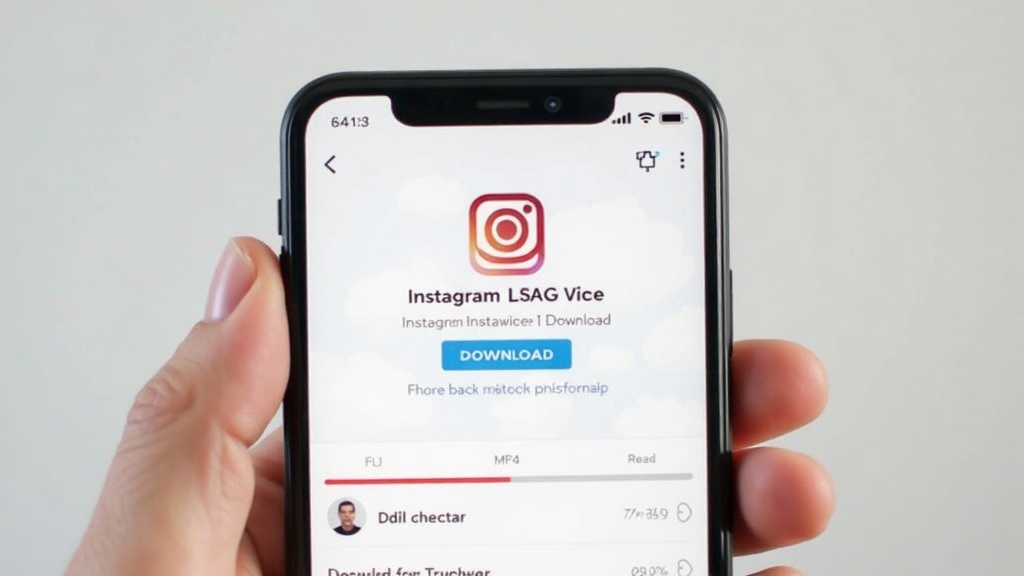
Android users enjoy more flexibility when it comes to downloading Instagram videos to MP4. The platform’s open nature allows for third-party applications that can directly interact with Instagram content, streamlining the download process significantly.
Popular Android applications like Video Downloader for Instagram provide dedicated functionality for saving Instagram content. These apps typically integrate with your device’s sharing system, allowing you to download videos directly from the Instagram app through the share menu.
To use these applications, install your chosen downloader from the Google Play Store, grant necessary permissions, and configure your preferred download settings. When you encounter a video you want to save, tap the share button within Instagram and select your download app from the sharing options.
iOS Workarounds and Solutions
iOS users face additional restrictions due to Apple’s app store policies and sandbox limitations. However, several workarounds enable iPhone and iPad users to download Instagram videos to MP4 format effectively.
The Shortcuts app, pre-installed on iOS devices, can be configured with custom shortcuts that facilitate Instagram video downloads. These shortcuts work by extracting video URLs and redirecting them to web-based download services automatically.
Alternatively, iOS users can utilize web-based services through Safari browser, following similar processes to desktop users. The key is copying video URLs through Instagram’s sharing feature and processing them through reliable online conversion services.
Advanced Download Techniques and Tools
Power users and frequent downloaders benefit from advanced techniques that offer greater control and efficiency. These methods require slightly more technical knowledge but provide enhanced functionality and customization options.
Command-Line Tools for Batch Processing
Command-line tools like youtube-dl and its forks offer powerful batch processing capabilities for users comfortable with terminal interfaces. These tools support Instagram among hundreds of other platforms and provide extensive customization options for output formats and quality settings.
Installing youtube-dl requires basic command-line knowledge but offers unparalleled flexibility once configured. Users can create custom scripts for bulk downloads, automatic format conversion, and integration with other workflow tools.
The tool supports advanced features like subtitle extraction, thumbnail downloading, and metadata preservation, making it ideal for archival purposes or content analysis projects. Regular updates ensure compatibility with platform changes and new features.
Browser Extensions and Add-ons
Browser extensions provide seamless integration with your regular browsing experience, adding download buttons directly to Instagram’s interface. Popular extensions work across Chrome, Firefox, and Edge browsers, offering consistent functionality regardless of your preferred browser.
These extensions typically add discrete download buttons near Instagram videos, eliminating the need to copy URLs or visit external websites. The best extensions support multiple formats, quality options, and can handle both photos and videos from Instagram posts.
However, be cautious when selecting browser extensions, as some may contain malware or privacy-invasive tracking. Stick to well-reviewed extensions from reputable developers and regularly update them to ensure security and compatibility.
Video-Converter-MP4.com: Professional-Grade Solution
Video-Converter-MP4.com offers a comprehensive Instagram to MP4 conversion service designed specifically for users who prioritize quality and reliability. This platform combines user-friendly interface design with professional-grade conversion capabilities.
Key advantages of using Video-Converter-MP4.com include:
- High-quality MP4 output with customizable resolution options
- Fast processing speeds that handle videos of all lengths efficiently
- No registration requirements or software installation needed
- Support for both individual videos and batch processing
- Mobile-optimized interface that works seamlessly across devices
The platform maintains strict privacy standards, ensuring your download activity remains confidential while providing reliable service uptime. For users seeking a dependable solution for regular Instagram video downloads, Video-Converter-MP4.com offers the perfect balance of simplicity and functionality.
Troubleshooting Common Download Issues
Even the best download methods occasionally encounter problems that can frustrate users. Understanding common issues and their solutions helps ensure smooth downloading experiences and prevents data loss or incomplete downloads.
Dealing with Private Account Limitations
Private Instagram accounts present unique challenges for video downloading, as most tools cannot access content from restricted profiles. This limitation stems from Instagram’s privacy protections and API restrictions that prevent unauthorized content access.
The most straightforward solution involves following the private account and waiting for approval before attempting downloads. Alternatively, if you have legitimate reasons for accessing the content, consider reaching out to the account owner directly for permission and assistance.
Some users attempt to circumvent private account restrictions through questionable methods, but these approaches often violate terms of service and may compromise account security. Always prioritize legitimate, authorized access methods over potentially harmful workarounds.
Quality and Format Optimization
Download quality issues often arise from incorrect format selection or bandwidth limitations during the conversion process. When downloading Instagram videos to MP4, always verify that your chosen tool supports the quality level you desire before initiating the download.
Network connectivity plays a crucial role in download success rates and final video quality. Poor internet connections can result in incomplete downloads or degraded video quality that becomes apparent only after the download completes.
For optimal results, use wired internet connections when possible and avoid downloading during peak usage hours when bandwidth may be limited. Consider downloading in smaller batches to reduce the likelihood of interruption and ensure consistent quality across all downloaded files.
| Download Method | Ease of Use | Quality Options | Speed | Platform Support |
|---|---|---|---|---|
| Browser-based Tools | Very Easy | Standard | Fast | All Platforms |
| Mobile Apps | Easy | Variable | Fast | Android/iOS |
| Command-line Tools | Advanced | Excellent | Very Fast | Desktop Only |
| Browser Extensions | Easy | Good | Fast | Desktop Browsers |
Future-Proofing Your Download Strategy
As social media platforms continue evolving their security measures and content protection systems, maintaining effective download capabilities requires strategic planning. Understanding upcoming trends helps ensure your download methods remain functional despite platform changes.
Platform Evolution and Adaptation
Instagram regularly updates its security protocols and API restrictions, which can impact the effectiveness of download tools. Services like SaveFrom.net and ReelsVideo.io continuously adapt their methods to maintain compatibility, but users should expect occasional disruptions.
Successful download strategies involve diversifying your toolkit with multiple reliable services rather than depending on a single solution. This approach ensures continuity when one method becomes temporarily unavailable due to platform updates or maintenance.
Stay informed about changes in Instagram’s terms of service and community guidelines that might affect download practices. Following technology blogs and user communities on platforms like Reddit provides early warnings about potential disruptions and alternative solutions.
Backup and Organization Strategies
Effective video management becomes increasingly important as your downloaded collection grows. Implementing consistent naming conventions, folder structures, and backup systems protects your content investment and facilitates easy retrieval.
Consider cloud storage integration for automatic backup of downloaded Instagram videos. Services like Google Drive, Dropbox, or OneDrive provide reliable backup solutions that protect against local hardware failures while maintaining accessibility across devices.
Regular archival reviews help identify outdated content and optimize storage usage. Establish periodic maintenance schedules to remove unwanted downloads and reorganize remaining content according to updated preferences or organizational systems.
Mastering how to download Instagram videos to MP4 opens up endless possibilities for content preservation, sharing, and creative projects. From simple browser-based tools to advanced command-line solutions, the methods outlined in this guide provide comprehensive coverage for users of all technical levels. Remember to respect creator rights and platform guidelines while building your personal video collection.
Start downloading your favorite Instagram videos today with our professional-grade conversion tools and discover the freedom of offline content access. Visit our blog for more video conversion guides and tips.










Facebook Story Video Download – Professional Insights and Best Practices 2026
Ever seen a Facebook Story you wanted to save before it disappeared after 24 hours? You are not alone. With...

The Only Facebook Video Downloader You Need to Know in 2026
Are you looking for a reliable way to save Facebook videos for offline viewing, content reuse, or archiving, without compromising...


How to Download Instagram Videos by Link
Have you ever found an Instagram video you wanted to save instantly, without installing apps or risking your privacy? In...


Video DL Online Guide, Smart Techniques and Safe Downloads 2026
Have you ever wanted to save a Facebook video instantly, without installing risky software or losing quality?In 2026, video consumption...


HD Video Download HD – Complete Guide to High-Quality Video Downloads 2026
Are you frustrated with low-quality video downloads that look pixelated and blurry on your screen? In 2026, streaming has become...


Download Story Insta – Smart Tips and Safe Techniques to get Insta videos in 2026
Have you ever watched an Instagram story and wished you could save it before it disappears forever?Instagram stories remain one...


Facebook MP4 Downloader Online Guide, Creative Tips and Techniques 2026
Are you looking for a fast, safe, and reliable way to save Facebook videos in MP4 format without installing software?In...


A Guide to Using a Futures Contract Calculator to Unlock Profit Potential
As a trader, have you ever found yourself unsure about the potential profit or loss of a futures trading contract?...


A Timeless Way to Display Custom Funded Certificate Plaque
You worked hard to earn that certificate. Whether it represents funding approval, a financial milestone, a business achievement, or a...


Leveraging YouTube as a Game-Changer for Film Production Promotion
Filmmakers have a powerful ally in their quest to promote their productions: YouTube. As one of the largest video-sharing platforms...

 General2 years ago
Step-by-Step Guide: How to download Facebook Videos as MP4
- General8 months ago
Master Facebook Video Download by Link: Essential Guide 2026
- General8 months ago
Facebook Link Download Guide – Tips, Tools, and Techniques to save FB link videos 2026
- Web Resource3 years ago
Enhancing Your Video Web Content for Online Audiences
- General9 months ago
9 Best Facebook Video Downloader App Choices for 2026
- General9 months ago
7 Essential Free Online FB Video Downloader Tools for 2026
- Web Resource7 months ago
Facebook Story Video Download – Professional Insights and Best Practices 2026
- General4 months ago
Top 5 Ways to Download Instagram Videos Without an App in 2026